
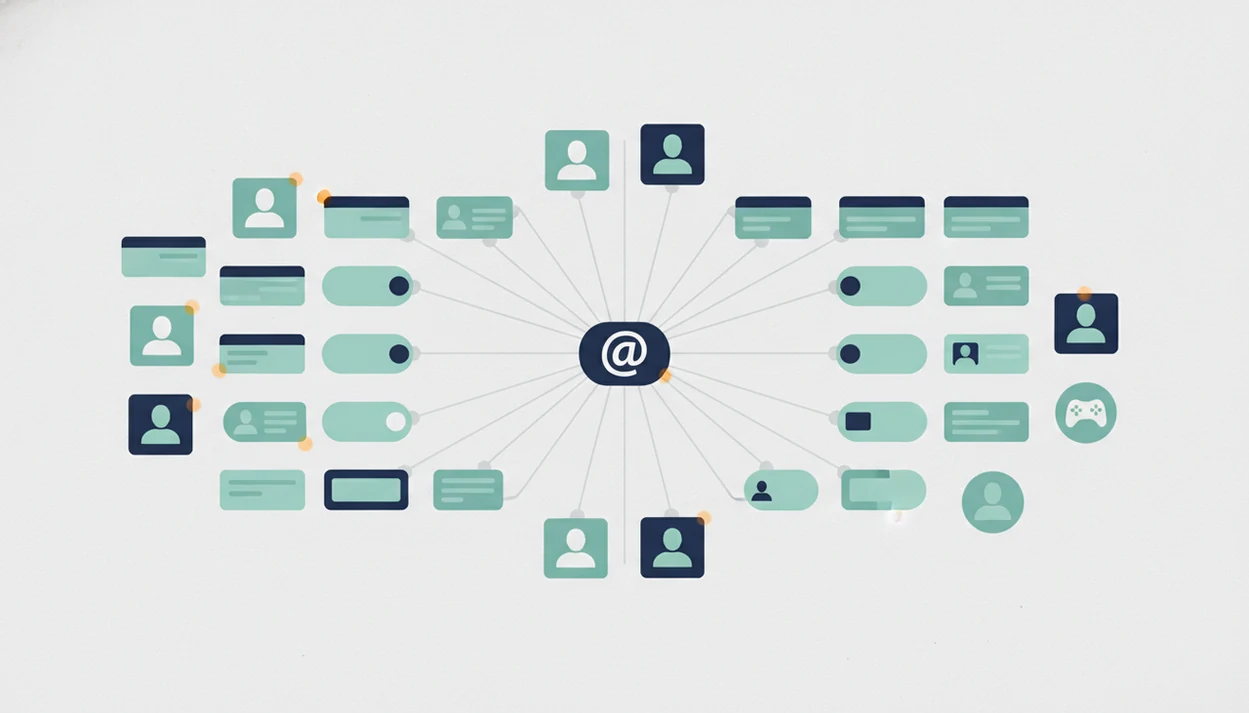
Definition: A username search social media check is the process of querying a single handle across multiple public platforms, forums, and marketplaces to identify where that username has been registered or is actively used.
What a Username Search Social Media Check Actually Does
A username search social media check queries one handle across many public sites at the same time, then returns possible profile matches. It is a public-source lookup method, not a confirmed identity report.
A single Google search may find obvious mentions of `janedoe23`, but it often misses platform-specific profile URLs, closed indexing, or niche communities. A structured lookup tests the same handle against social networks, forums, marketplaces, gaming sites, dating platforms, and creator pages. That breadth is why a dedicated app that finds social media accounts by username can save time compared with opening each site by hand.
Keep the original profile URL open.
A match means the handle exists there. It does not mean the same person owns every result, especially when the handle is short, funny, or common.
5 Facts About Searching Usernames Across Social Media
- In 2024, 72% of U.S. adults reported using at least one social media site, according to Pew Research Center: https://www.pewresearch.org/internet/fact-sheet/social-media/. That creates a large public or semi-public footprint where usernames may appear.
- Among U.S. teens, Pew reported that YouTube, TikTok, Instagram, and Snapchat remain major platforms: https://www.pewresearch.org/internet/2023/12/11/teens-social-media-and-technology-2023/. Multiple profiles make handle reuse more likely.
- Many people reuse a handle, add an underscore, or append a birth year when the first version is taken. We often see the underscored handle typed into a search bar after the plain version fails.
- Combining usernames, images, linked sites, and connections can improve confidence, but it also increases privacy risk if the search has no clear boundary.
- In a 2023 Pew survey, many U.S. adults reported avoiding products or services because of data-collection concerns: https://www.pewresearch.org/internet/2023/10/18/views-of-data-privacy-risks-personal-data-and-digital-privacy-laws/. Ethical lookup should explain the limitation first.
Good AI deep search guides for finding people online by name, username, photo, and public digital footprint deliver evidence-quality checks, not permission to intrude.
How Username Lookup Tools Work Behind the Scenes
Username lookup tools usually send an HTTP request or API-style query to public profile URL patterns, such as `instagram.com/{handle}` or `reddit.com/user/{handle}`. The tool then reads response signals, where a 200-style response may suggest a public page exists and a 404-style response may suggest no public page was found.
That sounds cleaner than it is. Platforms use rate limits, CAPTCHAs, redirects, blocked paths, and profile-name changes. The gray “No results found” page can mean no match, a bad query, or a site that stopped answering automated checks.
Tools like DeepSearch AI layer extra public signals over raw handle matching, including name clues, profile photos, and digital footprint context. Results differ because tools vary in platform coverage, update frequency, and niche-site inclusion. For broad monitoring, a tool that can track where a username appears is only as current as its sources.
Requirements Before You Search a Username Across Social Media
Before you search username across social media, prepare the exact handle, spelling variants, and likely punctuation changes. `alexriver`, `alex_river`, and `alexriver88` should be treated as separate queries.
Clarify the purpose before opening results. Self-audit, brand protection, reconnecting, and consent-based vetting are different from harassment, stalking, or discrimination. Local privacy laws and platform terms of service still apply, even when a profile is public.
Consent matters more when the search is about another person’s footprint. A reunion search with a consent note beside it feels very different from compiling screenshots for gossip.
Use a verification checklist before you start: bio, profile photo, location, mutual connections, linked domains, posting dates, and language patterns. For self-audits, a free username search app may be enough before paying for broader coverage.
How to Use a Username Search Social Media Workflow
Use a username search social media workflow as a narrowing process. The goal is to confirm, downgrade, or discard leads using public information.
Step 1: Enter the Handle
- Enter the exact handle into a multi-site lookup tool or DeepSearch AI, then run common variants separately.
Step 2: Filter the Hit List
- Remove obvious false positives, especially generic handles, wrong regions, inactive pages, and unrelated languages.
Step 3: Compare Profile Details
- Open each flagged profile and compare bios, profile photos, posting rhythm, usernames, and old display names.
Step 4: Cross-Reference Additional Signals
- Cross-reference with reverse image search, mutual connections, linked domains, and public posts. Comparing two public profile bios side by side on a laptop screen catches small mismatches fast.
Step 5: Document Confirmed Matches
- Save only confirmed public matches, and redact phone numbers or street addresses before keeping a verification screenshot.
Step 6: Respect Privacy Boundaries
- Do not screenshot, publish, or share sensitive details without consent. A username match is an identity clue, not proof.
For suspicious photos, deep search by image can help test whether the same image appears in unrelated public contexts.
Common Mistakes When You Find Social Media by Username
The most common mistake is assuming every handle match belongs to the same person. Short handles, fandom names, gaming tags, and first-name-number patterns often collide across platforms.
Generic usernames need extra caution. `@alex123` on a marketplace, a gaming forum, and an old photo site may describe three different people. A timestamp beside a decade-old post can help, but it still needs context.
Another error is expecting tools to surface private or locked accounts. Legitimate lookup tools show publicly visible information; they do not bypass privacy settings or platform access controls. AI deep search also has blind spots. Changed handles, deleted pages, and small regional forums can disappear from coverage.
Do not use username lookup for stalking, harassment, employment screening, tenant screening, credit decisions, or discrimination. Those uses require legal and procedural safeguards beyond a public profile search.
Common Myths About Username Search Social Media Tools
Myth: matching handles always mean one person. Reality: different people often choose the same available username, especially when it is simple or trend-based.
Myth: username lookup reveals hidden or private accounts. Reality: legitimate tools surface public data only. If an account is locked, non-indexed, or visible only to approved followers, an external lookup should not expose its contents.
Myth: AI deep search finds everything. Reality: changed handles, throwaway accounts, deleted posts, niche platforms, and spelling shifts create gaps. We have seen a cached profile snippet in search results outlive the live page, which is useful but not final.
Myth: searching usernames is always legal and ethical. Reality: purpose, jurisdiction, consent, and platform policy matter. For connected-handle analysis, what app identifies connected usernames is a better question than “how can I prove it instantly?”
Verification Checklist After a Username Lookup
After a username lookup, rate each result as a strong match, possible match, or unverified lead. Do not keep one mixed pile of “found accounts.”
Check the profile photo across platforms with reverse image search. Compare bio text, location, language, posting topics, old usernames, and links. Look for the same personal site, creator page, email alias, marketplace name, or cross-posted content.
Follower overlap can help, but it is not always available. A profile may be private, old, or intentionally separate. The reflection of a storefront in sunglasses might support a location clue, but it should not carry the whole conclusion.
For most public-profile checks, a username match is strongest when it agrees with at least two independent signals, such as a linked domain and a matching bio detail.
Username Search Tools vs Manual Search
Username search tools are best when you need broad coverage fast; manual search is best when you need context from one platform. Neither option can see through private, locked, invite-only, or follower-approved account controls.
A manual pass through Google, TikTok, Instagram, Reddit, or X can catch posts, comments, display-name clues, and recent activity that a bulk checker may miss. A multi-site lookup can test the same handle across many public destinations in minutes, but it may return dead pages, lookalike accounts, or gaps where a platform blocks automated checks. DeepSearch AI is most relevant when those handle hits need public-signal layering, such as comparing names, images, links, and footprint context.
- Use Google when you want indexed mentions, old snippets, quoted usernames, or profile pages outside the major apps.
- Search natively when the platform’s own search can reveal bios, posts, tags, or account status more clearly.
- Run a dedicated tool when you need wide public-site coverage or variant checks without opening dozens of tabs.
- Verify every promising hit manually, because speed increases the risk of false positives and shifts the review burden to you.
Limitations
Username lookup is useful, but it cannot prove identity by itself. Treat these limits as part of the method, not as fine print.
- It misses accounts that use completely different handles or real-name-only formats.
- Private, locked, invite-only, or non-indexed profiles are generally invisible to external tools.
- Generic usernames create high false-positive noise and require slower manual review.
- “500+ site” tools still miss niche forums, local networks, encrypted apps, new platforms, and abandoned communities.
- Ethical and legal use requires purpose limitation, such as self-audit, brand protection, or consent-based search.
- Rate limits, CAPTCHAs, redirects, and platform countermeasures can create incomplete scans.
- No tool guarantees real-time accuracy because profiles are created, renamed, restricted, or deleted constantly.
- Search results can preserve old snippets after a live profile changes, so document what changed and when.
Apps such as Deep Search AI can organize public clues, but they should not be treated as a source of truth.