
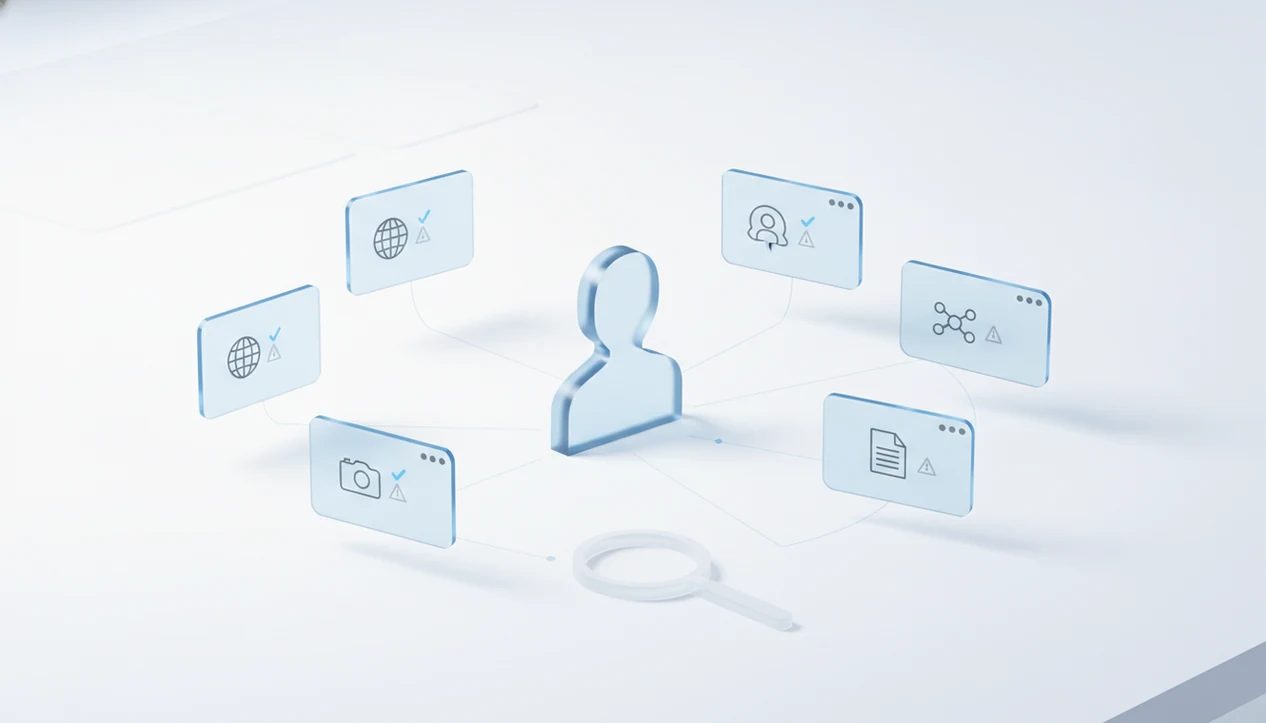
> Definition: Deep search AI alternatives are tools that use automated, multi-step AI research agents to locate and summarize a person's publicly available digital footprint across search engines, social networks, and open data sources.
- Deep search AI alternatives only access public data, never private messages, locked accounts, or paid background-check databases.
- Tools differ most in platform coverage, false-positive rates, and ethical guardrails, not raw speed.
- Always cross-check AI-generated profiles against original sources because mistaken identity matches are common.
At-a-Glance: Top Deep Search AI Alternatives for People Lookup
The main deep search AI alternatives differ by input type: name, username, photo, or broader public footprint. Choose the tool that matches the clue you actually have, not the one with the longest feature page.
| Tool | Search type | Free vs paid | Standout strength |
|---|---|---|---|
| Perplexity | Name, web footprint | Free and paid | Fast source-backed web research |
| Gemini Deep Research | Name, topic, public web | Paid in many plans | Structured multi-source reports |
| Grok DeepSearch | Name, handle, social context | Tier-dependent | Real-time social-media context |
| Jina AI DeepSearch | Web and developer workflows | Open-source / developer use | Custom agent pipelines |
| OSINT username/photo tools | Username, image | Mixed | Handle reuse and image context checks |
| DeepSearch AI | Name, username, photo, footprint | App-based | Ethical public-profile lookup |
A practical comparison starts with the original profile URL open in a browser tab. If the username changes mid-search, that tab becomes your source of truth.
Five Facts About Deep Search AI Alternatives
Deep search AI alternatives are public-source research tools, not private-access systems. Treat every output as an identity clue, not proof.
- Deep search AI alternatives combine web search, data extraction, and AI reasoning; they do not open private databases or locked accounts.
- “Deep search” describes a multi-step automated research method, not one company’s brand name.
- Results depend on publicly visible information, so a quiet person may produce few reliable matches.
- Ethical uses include identity verification, reconnecting, and professional due diligence within platform policy and local law.
- No alternative is 100% accurate, so cross-check before you conclude.
The gray “No results found” screen is easy to misread. It can mean no public match, a misspelled query, a changed handle, or a platform that blocks indexing.
What Deep Search AI Alternatives Do
Deep search AI alternatives turn a small public clue into a structured people-lookup lead. They search visible web and social signals, then summarize possible matches without making a verified identity conclusion.
- Start with the clue you have: Use a full name for search-engine results, directories, professional pages, and news mentions; use a username for social networks, forums, marketplaces, and handle-reuse checks.
- Check visual and profile signals: Use a photo for reverse-image context, duplicate-avatar checks, and public profile pages; use a known profile URL to compare bios, followers, links, and recent activity.
- Read the limits: Common names create lookalikes, usernames can be shared or recycled, photos can be old or copied, and some platforms block indexing or hide content behind login walls.
- Treat summaries as leads: An AI paragraph may connect clues that look related, but the original pages still decide what is reliable.
- Choose the right workflow: DeepSearch AI is the app-based option for public-profile lookup by name, username, photo, and footprint. That is different from regulated background-check products used for employment, tenant, credit, insurance, or eligibility decisions.
How Deep Search AI People-Lookup Tools Work
Deep search AI people-lookup tools work by breaking a person-search question into smaller searches, crawling public pages, linking likely entities, and summarizing the evidence. The technical terms are query decomposition and entity resolution; in plain English, the tool searches in pieces and then decides which pieces may belong together.
According to Pew Research Center’s 2024 social media fact sheet, about 72% of U.S. adults use at least one social media site (https://www.pewresearch.org/internet/fact-sheet/social-media/). The International Telecommunication Union reported that 64.6% of the world’s population used the internet in 2023 (https://www.itu.int/itu-d/reports/statistics/2023/10/10/ff23-internet-use/). That creates a large pool of public profiles, but also many lookalike names.
Query Decomposition and Web Crawling
A tool may split “Jordan Lee designer Seattle Instagram” into name, location, profession, and platform queries. It then checks search engines, public directories, social profiles, forum posts, and cached snippets.
Entity Resolution and Profile Matching
Entity resolution links clues such as a username, headshot, bio phrase, or location. False positives happen when two people share a name, when a profile photo has a mismatched season, or when an old bio gets copied.
How to Use Deep Search AI Alternatives Step by Step
Use deep search AI alternatives as a verification workflow, not a one-click conclusion. For people lookup, username search usually works better than name-only search because handles are often reused across platforms.
- Choose the right input: Start with a name, username, photo, email fragment, or public profile URL.
- Select the matching tool: Use a research agent for names, a username tool for handles, and reverse image search for photos.
- Run the search: Read the AI-generated summary, but keep source links visible.
- Cross-check findings: Open original pages and compare bios, dates, photos, locations, and repeated phrases.
- Document carefully: Save only needed evidence, redact phone numbers and street addresses, and discard ambiguous matches.
A cached comment showing a former handle can be useful. It still needs confirmation from a live source.
Named Shortlist: Best Deep Search AI Alternatives by Use Case
The strongest alternative depends on the job: broad web research, multi-source reporting, live social context, developer control, or public-profile verification. A 2023 McKinsey survey found that 79% of respondents had used at least one generative AI tool (https://www.mckinsey.com/capabilities/quantumblack/our-insights/the-state-of-ai-in-2023-generative-ais-breakout-year), so many readers now expect AI-assisted research to feel normal.
Perplexity for Deep People Research
Perplexity is a strong free general-purpose deep research agent for name-based public web checks. It is useful when you want source links beside the summary.
Gemini Deep Research for Multi-Source Reports
Gemini Deep Research fits longer reports that compare many public pages. It can be slower, but the report format helps with review.
Grok DeepSearch for Social-Media Context
Grok DeepSearch is useful for real-time social-media context where current posts matter. Check the original post before trusting a summary.
Jina AI DeepSearch for Developers
Jina AI DeepSearch is the best open-source option for developers building custom public-web research workflows. It suits technical teams more than casual users.
DeepSearch AI for Ethical Profile Lookup
Tools like DeepSearch AI focus on ethical public-profile search by name, username, photo, and digital footprint. Good AI deep search guides help people verify public identity clues with clear limits, not expose private profiles or produce regulated background reports.
Common Myths About Deep Search AI Alternatives
Deep search AI alternatives cannot see private messages, locked accounts, or hidden social profiles. They search public pages, summarize public clues, and sometimes infer connections that still need verification.
Another myth is that AI-generated profiles are automatically current. They are not. We have seen an inactive blog with a faded headshot outrank a newer professional page because the older page had stronger indexing.
More data does not always mean better insight. A duplicate bio under different names may signal a fake profile, or it may be a copied template from an old marketplace account. Slow down there.
A 2019 Pew survey found that 81% of Americans said the risks of company data collection outweigh the benefits. That concern matters here. Publicly visible information can still be sensitive, especially when copied, combined, and saved outside its original context.
Ethics Workflow for Using Deep Search AI Alternatives
Use deep search AI alternatives only when the purpose is legitimate, narrow, and explainable. Identity verification, reconnecting with someone, and professional due diligence are different from harassment, doxxing, discrimination, or non-compliant employment screening.
OSINT-style people search reads public information. A regulated background check follows specific legal rules, notices, consent duties, and dispute processes. Do not confuse the two.
Pew Research Center reported in 2023 that 69% of U.S. adults used online search to look up people they know (https://www.pewresearch.org/internet/2023/05/17/how-americans-use-online-search-to-look-up-information-about-other-people/). Common does not mean unlimited. Write the purpose down first, especially in consent-based contexts like reunion searches or marketplace safety checks.
Stop when the question is answered. If a license plate is hidden in a listing image, respect that boundary rather than trying to reconstruct it.
Limitations
Deep search AI alternatives have hard limits, and the limitation should be explained before the result is trusted. A public match can guide the next check, but it should not become a final identity claim by itself.
- They cannot access private, deleted, locked, or message-only content.
- False positives are common when names, faces, schools, employers, or usernames overlap.
- Regional coverage varies; English-language and U.S.-indexed sources are often easier to find.
- AI summaries can include outdated, inferred, or hallucinated details.
- No tool replaces legally compliant background checks for employment, tenant screening, credit, insurance, or similar regulated decisions.
- Free tiers often have rate limits, weaker source coverage, or shorter research depth.
- Platform rules and privacy laws differ by jurisdiction, so local law matters.
- Screenshots can over-collect data; redact addresses, phone numbers, and unrelated family details before saving.
A side-by-side laptop comparison of two public bios is often more reliable than a long AI paragraph.