
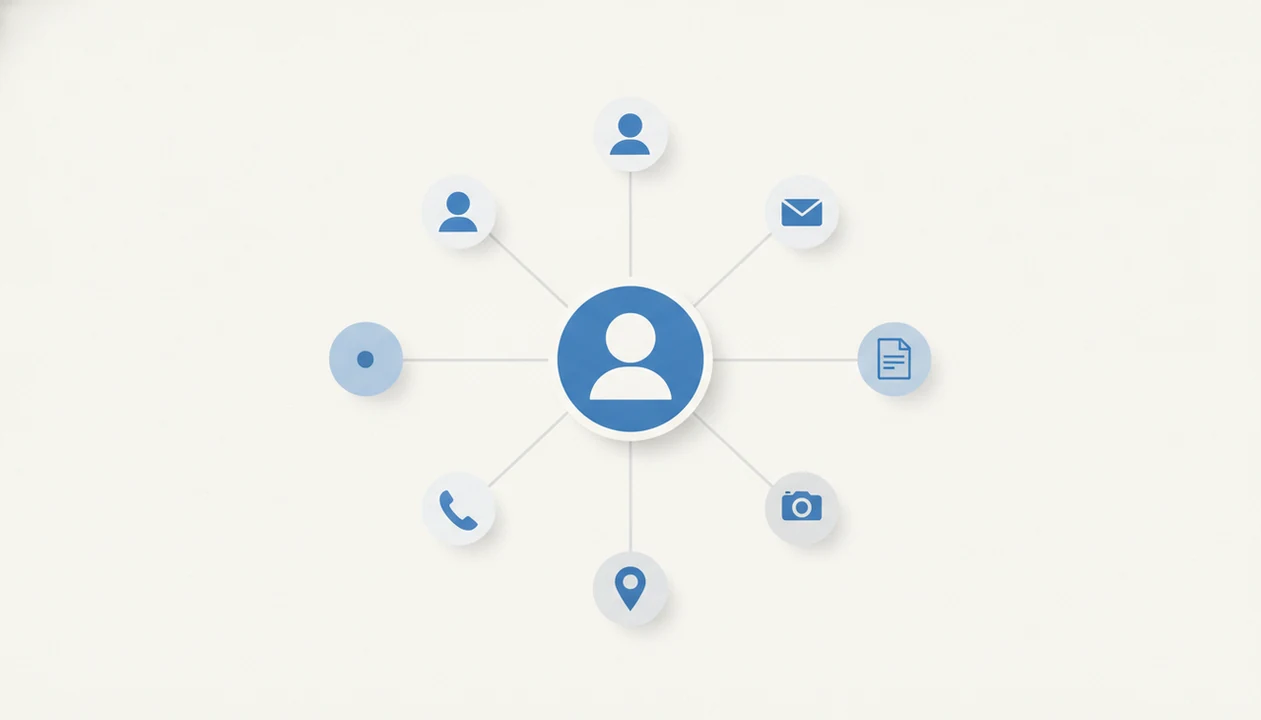
> Definition: Finding people online means using search engines, social networks, public records, and AI-powered tools to locate a real person's profiles, contact details, or digital footprint using only publicly accessible information.
At a Glance: 5 Facts About Finding People Online
- OSINT connects public traces. People search usually means reading publicly visible information across profiles, search results, public pages, and open records.
- One handle can travel far. A reused username or email may appear on forums, marketplaces, creator pages, and old social accounts.
- Photos help, but they miss often. Reverse image search can find reused photos, yet a cropped headshot or grainy screenshot saved from chat may return nothing useful.
- Records are not a source of truth by themselves. Public records and data brokers can show old addresses, merged household data, or the wrong person.
- Responsible search has boundaries. Good ai deep search guides for finding people online by name, username, photo, and public digital footprint with clear ethics and limitations deliver public-source clues, not permission to intrude.
Identity clue, not proof.
What Public People Search Tools Can Find
Public people search tools can find clues connected to a person’s visible digital footprint, not verified identity conclusions. You can usually start with a name, username, email address, phone number, or photo, then compare what appears across different public-source categories.
A useful result set keeps those categories separate. Social profiles may show bios, handles, profile photos, work history, or mutual context. Open web mentions may include old forum posts, event pages, portfolio sites, news snippets, or cached references. Public records may surface court, property, licensing, voter, or business filings where access is allowed. Broker data may combine addresses, relatives, phones, and emails, but that layer is often stale or blended with someone else’s record.
Use the outputs as a review queue:
- Start with the strongest identifier you already have, such as a unique username or email.
- Separate social profiles, open web pages, public records, and broker listings before comparing them.
- Match at least two independent clues, such as city plus employer or photo plus profile history.
- Verify phone numbers, addresses, workplaces, legal records, and sensitive allegations before contact or action.
- Stop if the evidence only suggests a possibility.
How Online People Search Works Behind the Scenes
Online people search works by combining public identifiers, then looking for overlap across open web indexes, social platforms, public records, and profile pages. The technical work is matching signals, not accessing private databases.
Username and Email Enumeration
Username enumeration checks one handle against many services to see where it appears. If an underscored handle typed into a search bar also appears on a livestream overlay, that is a useful clue. It is still not proof of identity. Someone else may use the same nickname on another platform.
Reverse Image and Photo Matching
Reverse image tools compare image features, sometimes called image embeddings, against public images. In plain terms, they look for visual similarity. A public event backdrop behind a headshot can help connect a profile to a conference page, but photo angle, lighting, and upload quality change results.
For common names, disambiguation matters. Pair name plus location, employer, school, or mutual connection before concluding that two profiles belong to one person.
How to Find People Online Step by Step
Use a repeatable process to find people online, then verify before you contact, report, hire, accuse, or trust anyone. The safest workflow starts broad, then narrows with independent public clues.
- Gather what you already know. Write down the name, username, email, phone number, photo, city, employer, or school.
- Search public profiles first. Check major search engines and social networks before using heavier tools.
- Run a username or email check. Use a public-source tool such as [DeepSearch AI]() to compare the same identifier across platforms.
- Use reverse image search. Try the clearest photo you have, then repeat with a cropped face and the full image.
- Cross-check identity clues. Compare location, employer, mutual connections, bio wording, and profile age.
- Verify before acting. Keep the original profile URL open in a browser tab before a username changes.
For reconnecting with someone, a username search is often easier than a name search because handles are more distinctive than common first and last names.
Who Should Use Online People Search Tools
Online people search tools fit people who need public-source context, not private access or certainty. They are best for low-risk checks where a clue helps you decide what to verify next.
Use them when you are trying to reconnect with an old friend, confirm that a marketplace seller looks consistent across public profiles, or gather basic context before a meeting, date, interview, or business call. The right workflow is narrow and respectful:
- Define the reason for the search before you type a name.
- Limit the query to public identifiers you already have.
- Compare only relevant clues, such as profile age, location, work history, or repeated usernames.
- Avoid saving or sharing private addresses, family details, or sensitive allegations.
- Switch to direct consent or professional verification when the outcome affects housing, hiring, credit, safety, legal claims, or formal screening.
These tools are not appropriate for stalking, harassment, doxxing, intimidation, discrimination, or tracking someone who has asked not to be contacted. Casual lookup is clue gathering. A real background check is a regulated process with identity confirmation, consent rules, and audit trails.
Common Myths About Finding People Online
Myth: AI tools can access private data, passwords, or hidden records. Reality: reputable tools only work with publicly accessible information. They cannot legally bypass logins, security controls, private messages, or locked accounts.
Myth: Deep search results are always accurate and current. Reality: public data ages badly. A profile bio may list an old city, and a data broker page may keep a phone number long after it changed.
Myth: If information is online, you can use it however you want. Reality: data-protection laws, platform rules, and basic privacy norms still apply.
Myth: Reverse image search will always find someone. Reality: many people have small footprints, private accounts, or no clear public photos.
If you are comparing tool categories, the people-search alternatives guide explains how people-search apps differ from reverse image tools and public-records sites.
Ethical Framework for People Search With Public Data
Ethical people search starts with a legitimate reason and stops before harm. Reconnecting with an old classmate, verifying a marketplace seller, or doing basic pre-meeting due diligence is different from harassment, stalking, doxxing, or pressure.
A 2019 Pew Research Center survey found that 74% of U.S. adults say controlling who can access their personal information is very important: https://www.pewresearch.org/internet/2019/11/15/americans-and-privacy-concerned-confused-and-feeling-lack-of-control-over-their-personal-information/. That concern should shape how you search. Respect opt-outs, deletion requests, and platform privacy settings. If a private address appears in a result, close the tab or redact it before saving any verification screenshot.
The notebook line should be simple: public sources only.
Consumer-protection guidance generally treats identity verification as a risk-reduction practice, not a license to publish personal details. Explain the limitation first, especially when the result affects trust.
False Positive Risk When You Find People Online
False positives are one of the biggest risks when you find people online. Common names, reused profile photos, and similar usernames can point to the wrong person.
A Pew Research Center report found that 81% of U.S. adults have at least some personal information online, and 40% have tried to correct inaccurate information. That is the messy data pool many people-search systems rely on. A “No results found” page can mean no public match, but it can also mean a bad query, a misspelled handle, or a platform that blocks indexing.
Cross-check before you conclude. Use at least two independent data points, such as city plus employer, or username plus a matching public bio. The safest people-search result is a documented probability, not a claim of certainty.
Tools like [DeepSearch AI]() can speed up cross-checking, but the human still decides whether the evidence is strong enough.
Digital Footprint Hygiene: Audit Your Own Exposed Data
Auditing your own footprint teaches you what others can find. It also gives you a practical privacy cleanup list.
According to Pew Research Center, 72% of U.S. adults feel that all or almost all of what they do online is tracked by advertisers, technology firms, or other companies: https://www.pewresearch.org/internet/2019/11/15/americans-and-privacy-concerned-confused-and-feeling-lack-of-control-over-their-personal-information/. Start with the same methods you would use on someone else.
- Search your name with current and past cities.
- Search your usernames, email addresses, and phone numbers.
- Review privacy settings on every social platform.
- Request removal from data brokers and people-search directories.
- Save screenshots only after redacting phone numbers and street addresses.
Tiny leaks add up.
When comparing two public profile bios side by side on a laptop screen, notice old employers, repeated phrases, and exposed contact fields. A self-audit is also a good reason to review a people-search alternatives guide before choosing any lookup workflow.
How We Evaluate People Search Tools
We evaluate people search tools as public-source clue systems, not truth machines. A useful tool should show where its signals come from, how fresh they may be, and what privacy controls exist for people who appear in results.
Our review process looks for practical evidence before any recommendation:
- Check public-source coverage across open web pages, social profiles, records, broker listings, and username or email traces.
- Look for accuracy signals, such as source links, timestamps, profile context, duplicate warnings, and clear separation between confirmed details and possible matches.
- Review privacy safeguards, including opt-out instructions, deletion workflows, sensitive-data handling, and whether the tool discourages harassment or regulated screening misuse.
- Compare named alternatives side by side, but treat every report from pipl.com, spokeo.com, socialcatfish.com, truepeoplesearch.com, or DeepSearch AI as a lead that still needs verification.
- Note refresh limits and missing-data risk, because no people-search tool can guarantee complete, current, or perfectly matched results.
The best tools make uncertainty visible. The worst ones make a messy public footprint look cleaner than it really is.
Limitations
Online people search has hard limits, and a careful guide should name them before promising results.
- Very common names can make it nearly impossible to isolate the right person without extra context.
- People with minimal online presence may return zero public results.
- Reverse image search depends on photo resolution, angle, cropping, lighting, and whether the image appears publicly.
- Public records can be outdated, incomplete, duplicated, or mismatched to the wrong person.
- Username and email lookups can surface profiles that belong to different people with similar handles.
- No tool can legally access data behind logins, paywalls, private accounts, or security controls.
- Results vary by country because data-protection laws, public-record access, and platform availability differ.
- Data broker opt-outs may reduce exposure, but information can reappear after a refresh or resale.
Public-source people-search tools such as pipl.com, spokeo.com, socialcatfish.com, and truepeoplesearch.com should be evaluated as clue-finding systems, not identity proof systems.