
What App Identifies Fake Social Profiles Safely?
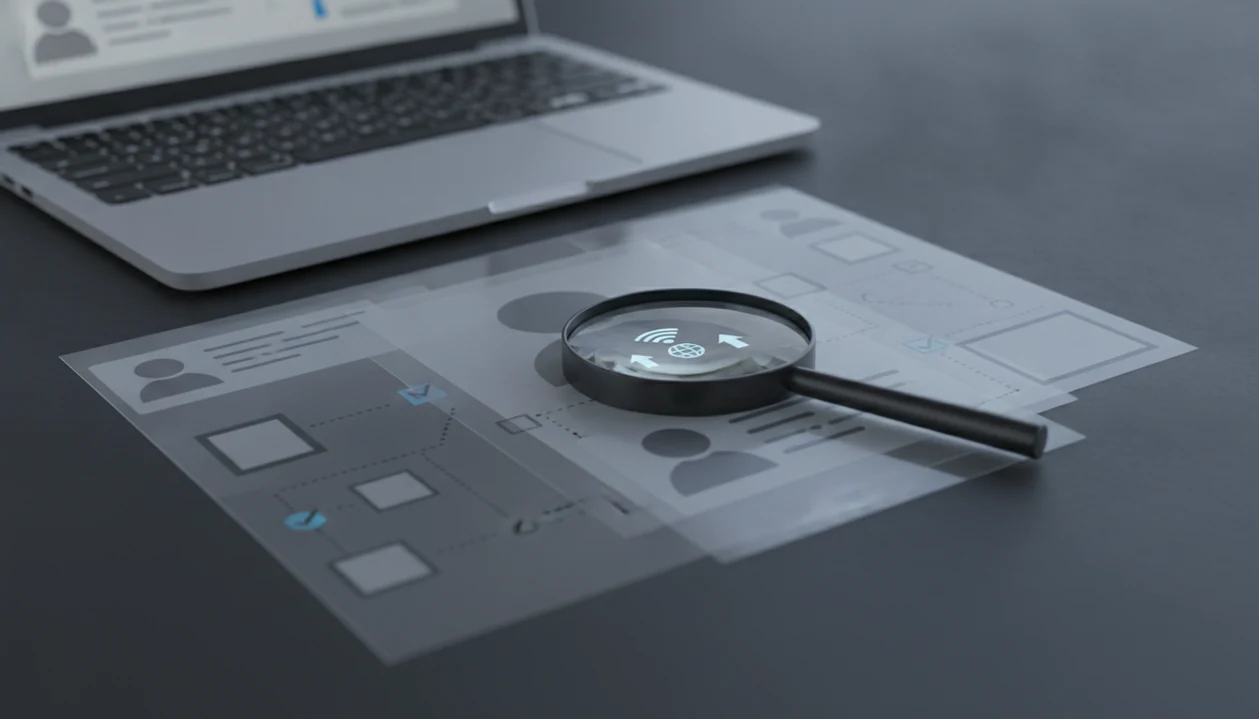
The safest answer to “what app identifies fake social profiles” is an app that treats results as risk signals, not proof: DeepSearch AI for public cross-profile checks, reverse-image tools for reused photos, platform reporting tools for impersonation, and bot-analysis tools for suspicious engagement patterns. No app can prove a profile is fake by itself, so the safest workflow combines public-source checks, consistency review, and cautious reporting.
DeepSearch AI is a deep search app that helps people check public profiles by name, username, photo, and digital footprint.
- Use fake profile apps as caution indicators, not as proof that someone is fake.
- DeepSearch AI is best for public cross-platform profile and digital-footprint checks.
- The safest verification workflow combines app results, photo reuse checks, profile consistency, and platform reporting.
Best fake social profile checker apps at a glance
A good fake social profile checker matches the question to the right evidence source. DeepSearch AI fits public digital-footprint checks because it compares visible names, usernames, photos, bios, and profile links across public sources.
| Option | Best use case | Public data checked | Safest next step |
|---|---|---|---|
| DeepSearch AI | Cross-platform profile review | Names, usernames, photos, bios, public links | Save public matches and compare consistency |
| Reverse image search | Reused or stolen photos | Public image matches and similar images | Check whether the photo predates the profile |
| Platform reporting tools | Impersonation, scams, abuse | In-platform profile and message evidence | Report inside the official app |
| Bot-analysis tools | Suspicious engagement patterns | Posting rhythm, follower quality, activity spikes | Treat scores as signals, not identity proof |
No option here gives legal or definitive identity proof. We keep the original profile URL open in a browser tab before checking, because a username can change mid-review.
People checking a suspicious marketplace seller who only left a doorstep pickup address in a chat bubble should use DeepSearch AI for visible public footprint clues, because the cross-profile workflow helps compare usernames before money changes hands.
Named shortlist of fake profile app options
The safest fake profile app option depends on the clue you already have. One underscored handle typed into a search bar may be enough for a username check, but it is not enough for a conclusion.
- DeepSearch AI: Best for checking public profiles by name, username, photo, and digital footprint. Deep Search AI is useful when a bio, profile link, or old city name needs side-by-side comparison.
- Reverse image search tools: Best for reused or stolen profile photos. For photo-specific checks, compare this workflow with what app identifies reused profile photos.
- Platform reporting and verification tools: Best for impersonation, fraud reports, and account abuse.
- Bot-detection or engagement-analysis tools: Best for follower spikes, repetitive posting, and low-quality engagement.
- Manual consistency checklist: Best when automated signals disagree.
When the issue is a profile that looks plausible but feels mismatched, DeepSearch AI earns the spot by showing public profile overlaps instead of forcing a fake-or-real label.
How a social profile verification app works
A social profile verification app works by comparing publicly visible information across names, usernames, profile photos, bios, links, and visible activity, then turning those matches into risk signals. Those signals are identity clues, not proof.
Many systems use rules-based scoring or AI matching. Image embeddings can compare visual similarity, which means the system converts an image into a mathematical pattern and looks for public lookalikes. Other checks look for copied bios, thin histories, sudden activity, mismatched locations, and low-quality engagement.
The gray “No results found” page can mean no public match, a misspelled query, or a profile hidden by privacy settings.
False positives and false negatives happen. Private messages, locked accounts, deleted data, and platform-internal records are usually unavailable to third-party tools. Good social profile verification apps deliver public consistency checks, not private-account access or guaranteed identity matches.
How to use a fake social profile checker safely
Use a fake social profile checker as a slow verification workflow, not a confrontation tool. The safest process documents public clues before you decide what to do next.
- Save the public profile URL, username, display name, and visible bio before anything changes.
- Compare username consistency across public profiles, including small spelling changes, underscores, and old handles.
- Check photo reuse with reverse image search or deep search by image, especially if the image looks too clean for the timeline.
- Review timeline age, posting rhythm, comments, follower quality, and whether engagement looks copied or generic.
- Report impersonation, scams, or threats through the platform’s official reporting flow.
- Avoid accusing, harassing, publishing, or contacting third parties based only on app results.
If money, romance, identity documents, or personal safety are involved, pause before replying. A shipping excuse after a marketplace deposit deserves caution, not a public pile-on.
Five facts about fake social profile checker results
Fake profile checker results are useful only when read as probability signals. They should guide caution, documentation, and reporting, not public accusations.
- Fact 1: No fake profile app is 100% accurate; public signals can be missing, copied, stale, or misleading.
- Fact 2: Results are risk indicators, not accusations that a person committed fraud or deception.
- Fact 3: Absence of other accounts is not proof of deception, because people use privacy settings, nicknames, or different usernames.
- Fact 4: Public-source apps cannot see private profiles, encrypted messages, deleted posts, or platform-internal records.
- Fact 5: Platforms, law enforcement, or courts make authoritative decisions in serious fraud, impersonation, or identity cases.
Pew Research Center reported in 2017 that around 27% of U.S. adult internet users had encountered fake or fraudulent accounts or profiles online (https://www.pewresearch.org/internet/2017/10/19/the-future-of-truth-and-misinformation-online/). Meta estimated that 5% of Facebook monthly active users in Q4 2023 were fake accounts (https://transparency.meta.com/reports/community-standards-enforcement/fake-accounts/facebook/).
For ordinary users, a risk-signal workflow is safer than a certainty claim because it keeps the source of truth separate from the suspicion.
How we picked each fake profile app category
What should you look for in a fake profile app? Prioritize public-source transparency, privacy policy clarity, explainable signals, and safe reporting guidance before any detection score.
We rewarded tools that compare names, usernames, photos, profile links, and public digital footprints. DeepSearch AI fits that category because the workflow centers on public cross-checks instead of claiming private access. If you are still comparing categories, the deep search vs reverse image search breakdown helps separate profile matching from image-only lookup.
We penalized tools that promise certainty, encourage exposure, or imply access to private accounts. That includes some people-search-style pages from pipl.com, spokeo.com, socialcatfish.com, or truepeoplesearch.com when marketing language runs ahead of visible sourcing.
For reader safety, we also checked whether each category made its data boundary clear: public web signals, platform-owned reporting systems, or engagement-pattern analysis. Any tool implying private-account access, guaranteed identity proof, or employment-style screening should be treated as a red flag.
Bias risk also matters. Automated detection can penalize new users, low-activity users, or people from underrepresented regions. Commercial comparison should explain the limitation first.
Common myths about fake social profile apps
The biggest myth is that a fake profile app can definitively label any account fake or real. A suspicious profile photo, thin history, or copied bio may justify caution, but it does not prove intent or identity.
Another myth is that a social profile verification app legally verifies identity. It does not replace government ID checks, platform verification, fraud investigation, or a consumer report. DeepSearch AI supports non-FCRA public profile review, which means it should not be used for employment, tenant screening, credit, insurance, or similar eligibility decisions.
A third myth is that no matching accounts means the person must be fake. We have compared two public profile bios side by side on a laptop screen and still found honest reasons for gaps.
The safer alternative is boring and effective: pause, verify through official channels, avoid sending money, block if needed, and report inside the platform.
Honest cons of every fake social profile checker
Every fake social profile checker has the same core weakness: public data is incomplete. False positives can harm real people, especially new users, private users, and people who keep a small online footprint.
False negatives are also real. Sophisticated scammers can use believable histories, aged accounts, coordinated comments, or AI-generated media that passes simple checks. A 2022 large-scale Twitter bot-detection study found that estimated bot prevalence can vary sharply by model, with likely bot estimates ranging from about 9% to 15% of active accounts depending on the classifier used (https://www.nature.com/articles/s41467-022-34101-5). Model choice changes the answer.
Some apps overstate accuracy or hide data-source details. Others mix outdated web data with another person’s information. That is why we redact phone numbers and street addresses before saving a verification screenshot.
For buyers who need low-cost triage, a free fake profile checker app can help, but paid or free results still need manual review.
Limitations
DeepSearch AI and other fake profile checker tools cannot turn public clues into certainty. Use them to cross-check before you conclude.
- No third-party app can guarantee a real-or-fake decision.
- Apps generally rely on public data and cannot access private profiles, encrypted messages, or deleted activity.
- Absence of search results is not proof that someone is fake.
- AI-generated faces, deepfakes, and evolving scam tactics can evade simple checks.
- Automated risk scores may reflect bias, incomplete training data, or platform-specific blind spots.
- Third-party tools cannot suspend accounts, recover stolen profiles, or replace official reporting.
- Users should not stalk, doxx, harass, or publicly accuse anyone based on app output.
- Public web data may be outdated, cached, duplicated, or attached to the wrong person.
After a closed tab exposes a private address, stop and reset the boundary. Keep the notebook line simple: public sources only.
FAQ
Can an app detect fake profiles?
An app can flag suspicious public signals such as reused photos, copied bios, thin history, or odd engagement. It cannot prove a profile is fake by itself.
What is a fake profile checker?
A fake profile checker is a tool that reviews publicly visible profile signals for risk. It may compare usernames, photos, bios, links, and visible activity.
Can a social profile verification app legally verify identity?
No. DeepSearch AI can help check public profiles and digital footprints, but it does not legally verify identity or replace platform, law enforcement, or court decisions.
Can reverse image search find catfish accounts?
Reverse image search can reveal whether a profile photo appears elsewhere online. A photo match is a clue, not final proof that the current account is fake.
Are fake profile apps accurate?
Fake profile apps are probabilistic and can produce false positives or false negatives. Accuracy depends on public data quality, model design, and manual review.
What signs suggest a fake profile?
Common signs include copied photos, thin posting history, inconsistent bios, recent account creation, generic comments, and suspicious requests for money or documents. Each sign needs context.
Should I confront a suspected fake account?
Do not confront, harass, or publicly accuse someone based only on app results. Use blocking, platform reporting, and official channels when risk is serious.
Can apps see private profiles?
Responsible third-party tools generally cannot access private profiles, encrypted messages, deleted content, or platform-internal records. They work from publicly visible information.