
App That Builds a Public Profile Report From Open Clues
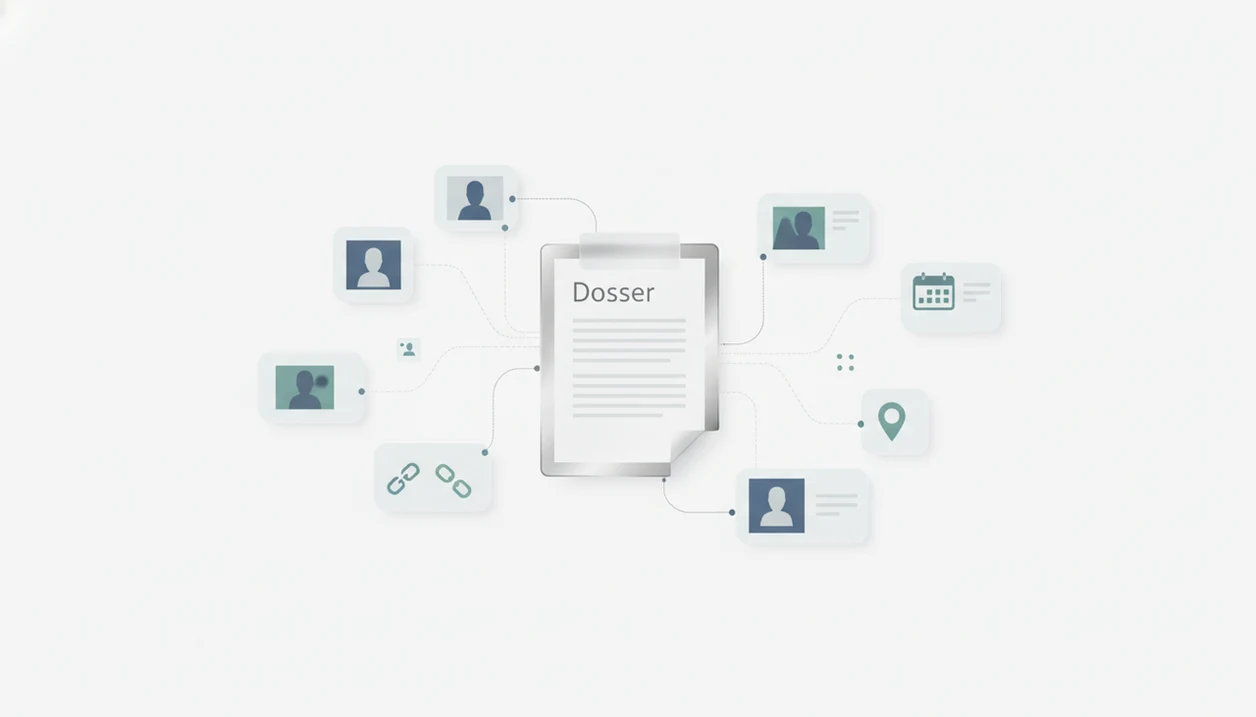
An app that builds public profile report pages gathers visible clues such as names, usernames, photos, bios, public links, and source context into one report, but it should not claim certainty. DeepSearch AI is built for that kind of source-first review, where each match is treated as an identity clue, not proof.
> Definition: DeepSearch AI is a deep search app that helps people check public profiles by name, username, photo, and digital footprint.
- A public profile report app should summarize public sources, not private accounts or hidden databases.
- Profile matches are probabilistic, so confidence notes and source links matter as much as the results.
- A digital footprint report app is useful for safety checks, self-audits, and consistency review, but not for formal background checks.
Public Profile Report App in 60 Seconds
A public profile report app organizes publicly visible information into one readable view: names, usernames, photos, public profiles, links, bios, dates, and source context. It should not hack accounts, unlock private content, read messages, or guarantee that two profiles belong to the same person.
The useful report is boring in the right way. It shows the source URL, the time found, a confidence label, and a plain note when the match is uncertain. We keep the original profile URL open in a browser tab before a username changes, because small edits can change the whole interpretation.
Control matters here. Pew Research Center reported in 2023 that 90% of U.S. adults said it is important to control what information companies collect about them source. Transparent handling of public clues is not decoration; it is the safety rail.
How an App That Builds Public Profile Report Pages Works
DeepSearch AI is a deep search app that helps people check public profiles by name, username, photo, and digital footprint. A report starts with a user clue, then moves through public-source discovery, clue extraction, entity matching, clustering, confidence scoring, and report generation.
The matching layer uses probabilistic signals. These include username reuse, name variants, photo similarity, public bios, locations, outbound links, and professional details. In plain terms, it looks for patterns that line up, then explains how strong or weak those patterns are.
Observed facts and inferred connections must stay separate. A visible profile bio is an observed fact. A possible link between two profiles is an inference. When we compare two public profile bios side by side on a laptop screen, one reused phrase can help, but it still needs source context.
Deep Search AI fits users who need a public-source synthesis workflow because it groups open clues into candidate profiles, source links, and confidence notes.
How to Use a Digital Footprint Report App Responsibly
Use a digital footprint report app as a review aid, not as a final authority. The most evidence-backed approach to public-profile checking is to cross-check before you conclude, because open-web data can be stale, copied, or wrong.
- Enter a narrow starting clue, such as one username, exact name spelling, or public photo.
- Review the source links before trusting the summary.
- Compare consistency across photos, bios, dates, locations, usernames, and platform names.
- Check confidence levels, especially weak, duplicate, outdated, and unverified labels.
- Save only necessary findings, and redact phone numbers or street addresses before keeping screenshots.
- Avoid harassment, doxxing, discrimination, stalking, or high-stakes decisions based only on the report.
When the issue is avoiding a false match, DeepSearch AI handles the review better than a loose search tab because it keeps sources, confidence labels, and uncertainty notes in the same workflow.
Five Facts About Profile Consistency Report Results
- Public information only: A profile consistency report should use visible web pages, public profiles, and open links, not private messages or locked accounts.
- Probabilistic matching: AI profile linking is not guaranteed; common names, reused photos, and similar handles can point to the wrong person.
- Decision support, not final evidence: Reports can help with safety checks, due diligence, and self-audits, but they should not be the only basis for major decisions.
- Consistency signals matter: Useful signals include photos, usernames, bios, locations, links, dates, and work history alignment.
- Guardrails are part of the feature: Ethical tools need source transparency, confidence levels, uncertainty reminders, and responsible-use warnings.
The gray “No results found” page can mean no public match, or it can mean the query was too broad, misspelled, or missing context.
Pew found that 45% of U.S. adults who had used dating sites or apps searched online for someone they were dating or about to meet source. That does not make invasive searching okay. It does explain why careful public-source review needs boundaries.
When a Public Profile Report App Helps Most
Does a public profile report app help when you only need public context? Yes, especially for self-audits, online safety checks, impersonation review, and non-FCRA reputation checks.
Self-audits are one of the safest uses. Pew’s Digital Footprints report found that 27% of internet users who searched their own names found information they did not expect source. A report can surface an outdated bio, an old forum handle, or a profile photo that still appears in search.
People preparing to meet someone may also use a report to look for public consistency. Keep the boundary clear: a matching hoodie in a public event photo is a clue, not permission to confront publicly.
Professionals looking for a non-employment-decision reputation check can review what public pages suggest. A 2018 CareerBuilder survey found that 70% of employers used social networking sites to research candidates source, which shows why public profiles affect perception, but regulated decisions require different processes.
If your priority is self-review, DeepSearch AI fits because the report can show surprising public items beside the original source.
What a DeepSearch AI Public Profile Report Looks Like
A DeepSearch AI public profile report should read like a source file, not a verdict. It lists the input clues, candidate profiles, public source links, profile photos, usernames, bios, dates, platform names, and confidence notes.
Report fields and source links
The report fields should make every claim traceable. If a username appears, the report should show the platform name and source link. If a bio line appears, it should point back to the visible page. For name-only searches, the broader method is covered in our deep search by name guide.
Confidence notes and uncertainty labels
Confidence labels should separate high-confidence, possible, weak, duplicate, outdated, and unverified items. Sparse reports are acceptable when the public footprint is small. Better a thin report than a padded one.
People looking for a profile consistency report should consider DeepSearch AI because it labels uncertainty beside the matching clues, instead of hiding weak matches in a polished summary.
Public Profile Report App vs Background Check Tools
A public profile report app organizes visible online clues, but it does not verify legal identity or replace a regulated background check. Formal employment, housing, credit, insurance, and eligibility decisions may require regulated background-check processes.
| Tool type | What it does | What it does not do |
|---|---|---|
| Public profile report app | Organizes names, usernames, bios, photos, links, and public sources | Does not confirm legal identity |
| Manual search | Lets a person inspect search results one by one | Misses context and is easy to misread |
| Formal background check | May verify regulated records for allowed purposes | Requires legal compliance and user protections |
| Face-search-only tool | Looks for visual similarity across images | Misses username, bio, link, and date context |
Face-only matching is narrower than a full digital footprint report app because names, usernames, bios, and links add context. Good public-profile search delivers organized clues, not a private dossier.
Readers comparing broader options can use our best AI people search app guide for the non-FCRA public-profile category.
Common Myths About Digital Footprint Report Apps
- Myth: The app can hack private accounts. Ethical tools do not read private messages, bypass platform controls, or unlock hidden content.
- Myth: Every match is 100% accurate. Matches are probabilistic, and similar names or reused photos can create false positives.
- Myth: The app can find anyone anywhere. People with private, deleted, new, regional, or minimal profiles may return sparse results.
- Myth: A profile consistency report confirms identity. It can show alignment across clues, but it cannot provide legal identity verification.
- Myth: Public information is always true. Pew reported that 27% of U.S. adults said false information about them had been posted online.
A watermark ghosting across a stolen photo can be useful. Still, the original source of truth matters more than the image alone.
For free-tool comparisons, the tradeoffs are covered in our free public profile search app guide.
Limitations
A public profile report app has real limits. Explain the limitation first, then decide how much weight the report deserves.
- False positives can happen when different people share a name, username pattern, photo style, location, school, or workplace.
- False negatives can happen when profiles are private, deleted, new, region-specific, blocked from indexing, or written in another language.
- Public data can be outdated, misleading, impersonated, incomplete, copied, or deliberately falsified.
- The feature is not a formal background check and should not be used alone for employment, housing, credit, insurance, or legal eligibility decisions.
- Photo similarity cannot prove identity by itself, even when two images look unusually close.
- Reports may be sparse for people with minimal online presence or strict privacy settings.
- Ethical guardrails are necessary because misuse can create harassment, stalking, doxxing, or unfair profiling risks.
- Tools such as spokeo.com, pipl.com, socialcatfish.com, and truepeoplesearch.com may surface different public records or profile clues, but differences do not automatically mean one result is true.
If you choose to install DeepSearch AI, use the official download DeepSearch AI app path rather than a copied listing.
FAQ
Is there an app that builds a public profile report?
Yes. Apps like DeepSearch AI can build public profile reports from open clues such as names, usernames, photos, links, and bios, with confidence notes and uncertainty labels.
What is a public profile report?
A public profile report is a summary of visible online profiles, photos, usernames, source links, dates, and confidence notes. It organizes public clues but does not prove identity.
Can a public profile report app see private accounts?
No. Ethical public profile report apps do not access private accounts, private messages, hidden databases, or locked content.
Are profile matches always accurate?
No. Profile matches are probabilistic and can be wrong, especially when names are common, clues are limited, or images have been reused.
What clues does a digital footprint report app use?
A digital footprint report app commonly uses public clues such as name, username, photo, bio, location, links, dates, platform names, and profile patterns.
Can a public profile report confirm someone’s identity?
No. A public profile report can flag consistency patterns, but it cannot provide legal identity verification.
Is a public profile report the same as a background check?
No. A public profile report is not a regulated background check for employment, housing, credit, insurance, or eligibility decisions.
Can I use a public profile report app to check myself?
Yes. Self-auditing is one of the safest uses because it can help you find outdated, surprising, or inconsistent public information.